Reports and analysis (SMS)
Report on all text message activity
To report on all SMS activity recorded in CiviCRM, run the Activities report from Reports > Contact Reports.
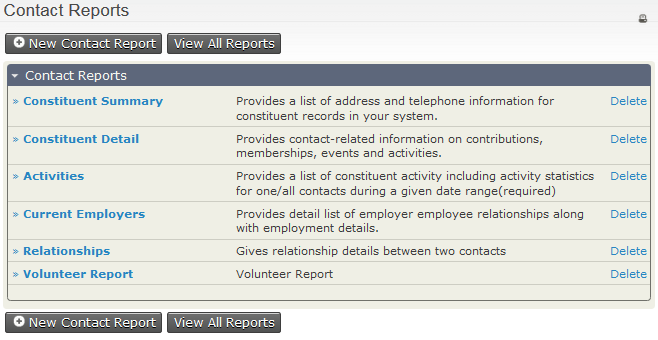
The SMS activity types are Inbound SMS, Mass SMS and SMS delivery. Filter by SMS activity type, then refine the results by:
- message status (e.g. completed/scheduled)
- date and time
- which group or tag the recipient is in
- characteristics of the recipients themselves, such as their name and location.
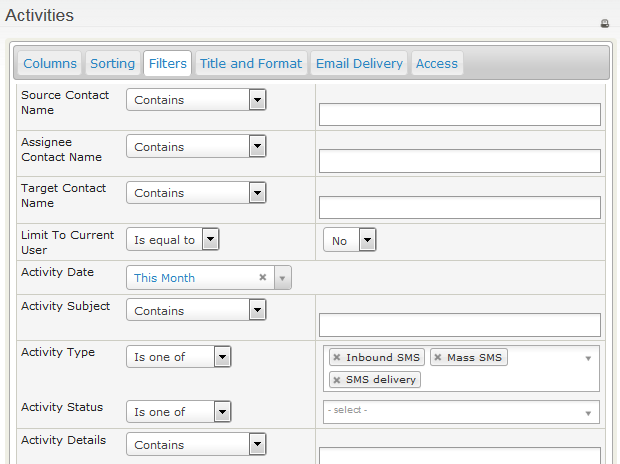
To update the results, click Preview Report at the bottom of the Filters window.