Membership reports
There are several ways to report on and analyse memberships. The membership dashboard gives a quick summary of current memberships by membership type, including current member totals and totals for last month, this month, and the current year to date. You can also search for specific membership details using Advanced Search or Find Memberships.
Viewing membership reports
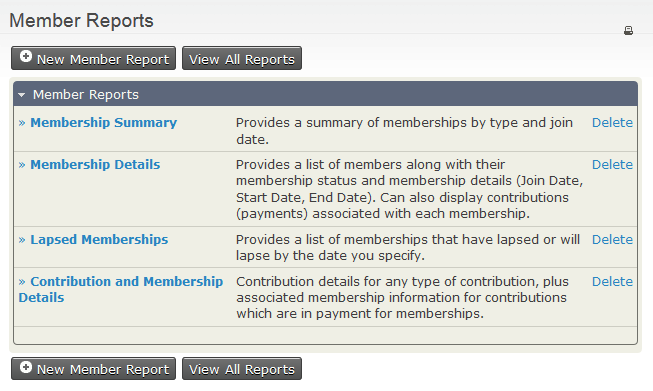
CiviCRM comes with several membership reports:
The Membership Summary report groups information about members by a date frequency you specify, such as month, week, quarter, or year. For example, you can view the number of members who joined each month across a date range, membership types, or other custom data you collect about them.
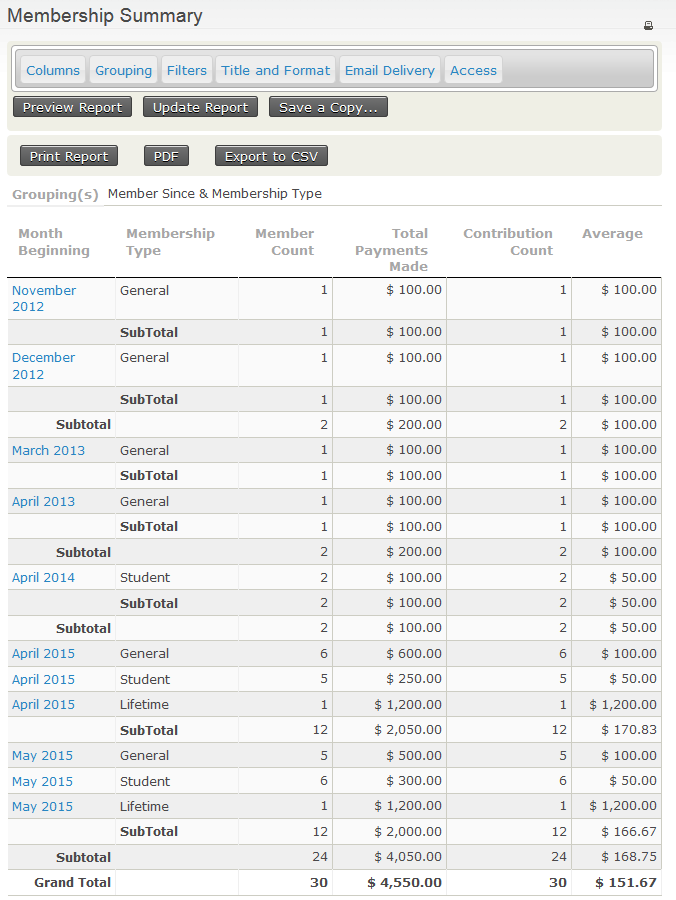
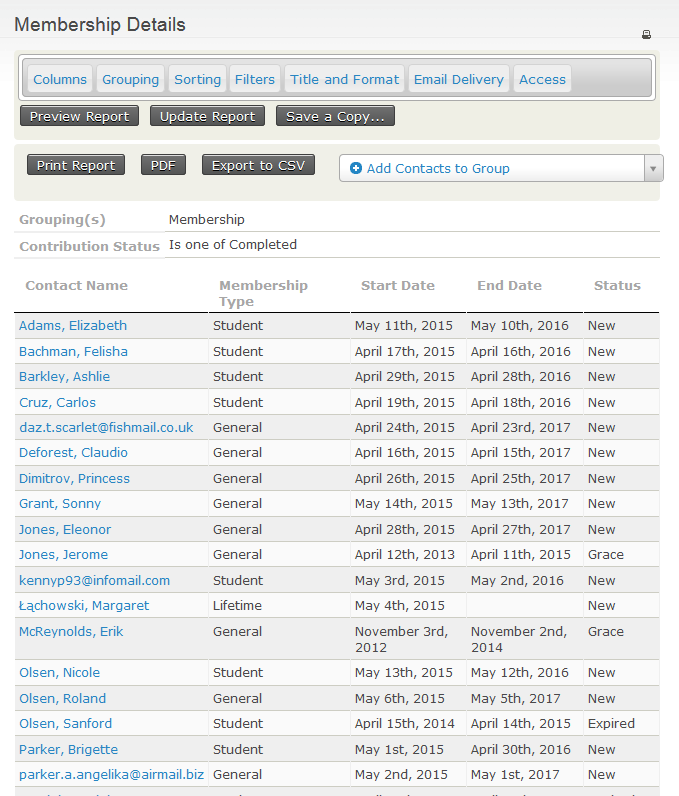
Click a highlighted field to see the corresponding Membership Detail report for that row. For example, clicking May 2015 for membership type General shows:
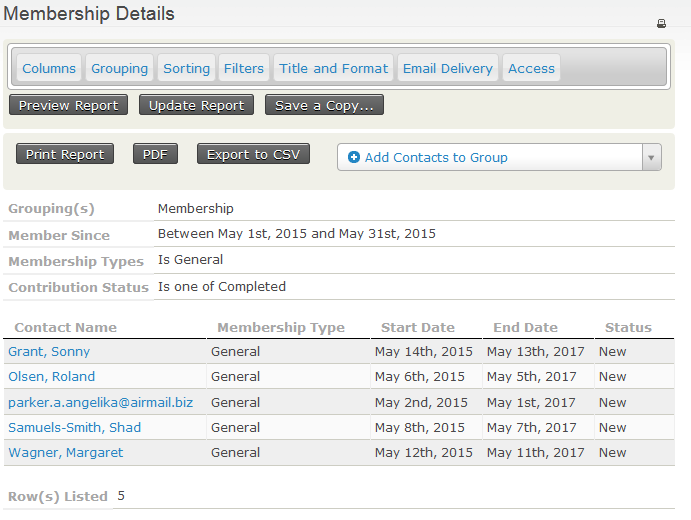
The Membership Detail report shows information for each membership record based on your selected criteria.
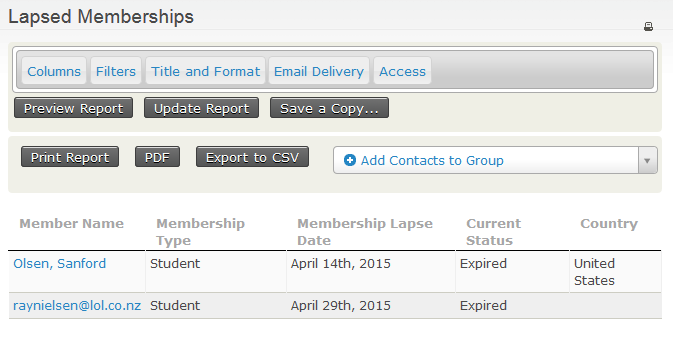
The Lapsed Memberships report lists memberships that lapsed or will lapse before the date you specify.
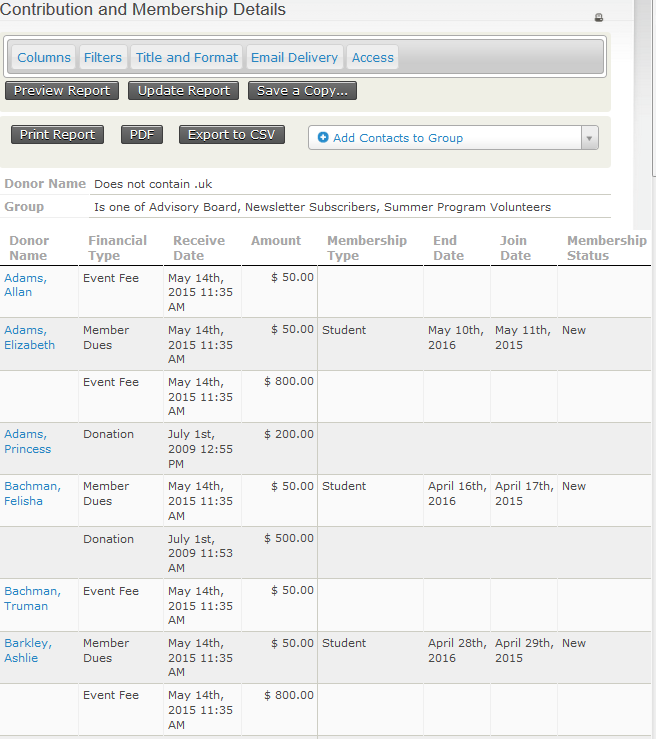
The Contribution and Membership Details report displays details of contributions and contributions connected to membership records, based on your report criteria.